TaskLancer: Task Management with Folders, Tags, Calendar & Map View
Finally, a Task Manager That Thinks the Way You Do There are hundreds of to-do apps out there. Most of them fall into two camps: too simple to be useful, or so complex they need a tutorial just to…
Finally, a Task Manager That Thinks the Way You Do
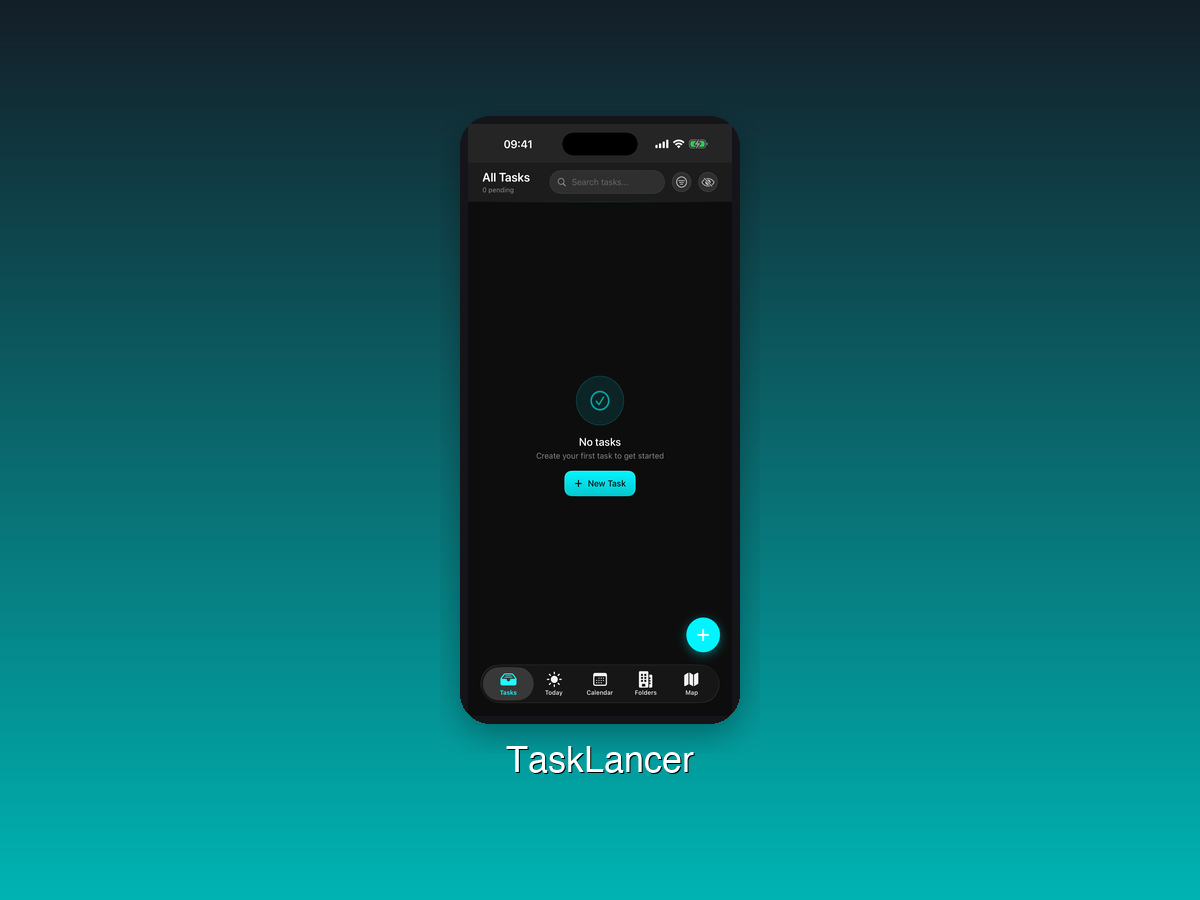
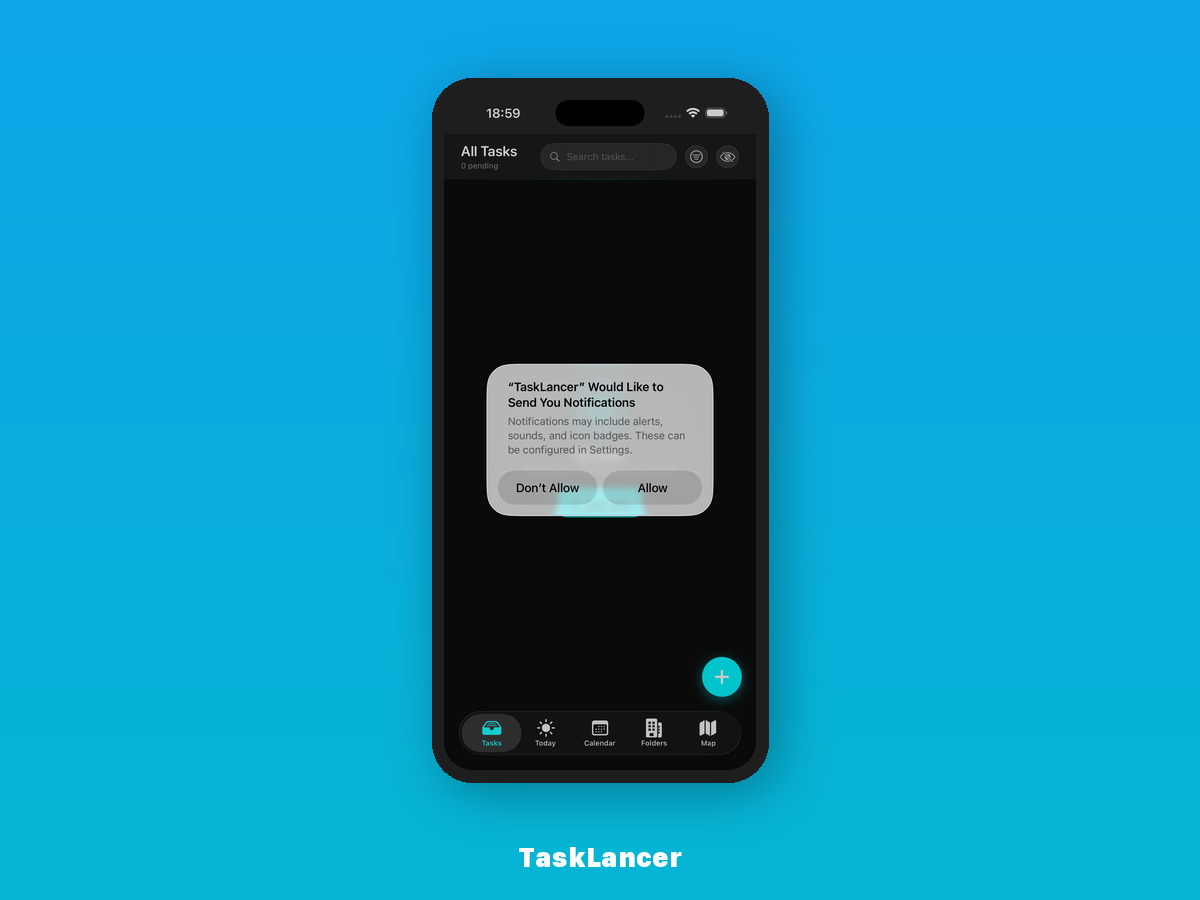
There are hundreds of to-do apps out there. Most of them fall into two camps: too simple to be useful, or so complex they need a tutorial just to add a task. TaskLancer hits the sweet spot. It gives you powerful organization tools like folders, tags, calendar integration, and even a map view, without burying you in features you will never use.
Available on both iOS and macOS, TaskLancer is built for people who need real structure in their task management but do not want to spend more time organizing than doing.
The Problem: One-Size-Fits-All Task Apps
A flat list of tasks works when you have five things to do. But real life is messier than that. You have work projects, personal errands, home improvement tasks, and that thing you keep postponing. Without a way to categorize, filter, and visualize your tasks, everything blends into one overwhelming pile.
And here is the thing most task apps miss: some tasks are tied to places. "Pick up dry cleaning" is not just a to-do item. It is a to-do item at a specific location. TaskLancer gets that.
Key Features
- Folders — Organize your tasks into folders that match how you think. Work, personal, projects, goals, whatever structure makes sense for your life.
- Tags — Add tags for cross-cutting categories. A task can live in your "Work" folder and still be tagged as "urgent" or "waiting on someone." Tags give you flexible filtering without rigid hierarchies.
- Calendar View — See your tasks on a calendar to understand what is due and when. Visual timelines beat scrolling through lists when you need to plan your week.
- Map View — This is where TaskLancer gets interesting. See location-based tasks plotted on a map. Running errands? Open the map view and knock them out efficiently based on where you are.
- iOS and macOS — TaskLancer works across your Apple devices. Manage tasks on your Mac at your desk, check them off on your iPhone while you are out.
Who Is TaskLancer For?
- Professionals juggling multiple projects and deadlines
- Students managing coursework, exams, and extracurriculars
- Freelancers who need to track client work and personal tasks separately
- Errand runners who love the idea of seeing tasks on a map
- Anyone who has outgrown basic to-do lists but does not want enterprise project management software
The Map View Difference
Most task managers are purely temporal: they care about when things are due. TaskLancer adds a spatial dimension. When you have errands scattered across town, the map view shows you exactly what needs to happen where. It turns a chaotic afternoon of driving back and forth into an efficient route.
This is one of those features that sounds small until you use it. Then you wonder how you ever managed without it.
Get Things Done, Your Way
TaskLancer does not force a productivity philosophy on you. It gives you the tools, folders, tags, calendars, and maps, and lets you build the system that works for your brain.
Download TaskLancer on the App Store
Your tasks are not going to manage themselves. But with TaskLancer, they almost will.
More Apps by Diego Varela
- NutriSnAIp — AI-powered calorie tracker — snap a photo, get your macros
- Making Miles — Track your travels on a beautiful 3D globe
- TunePulse — Guitar tuner, metronome & practice companion
- InkMark — Markdown editor that publishes straight to your blog
- Civics 100 — Ace the US citizenship test with all 100 USCIS questions
- ZephTicker — Track stocks from your macOS menu bar
- Purpura — A fresh creative app for your Apple devices